Ways to group questions
Two Ways to Group Questions
For a more complex survey structure in experience sampling method (ESM) and ecological momentary assessment (EMA) studies, surveys can be organized into different types of question blocks. Within these question blocks, researchers can choose to randomize the questions.
There are two main types of question blocks. GROUP and QUESTION GROUP.
GROUP
The Group question format allows researchers to organize a set of questions into groups.
The questions themselves need not be the same format of questions (e.g., checkboxes, instructions, etc.). For example, one may be interested in capturing information about an activity people are engaged in, as shown in the four questions below.
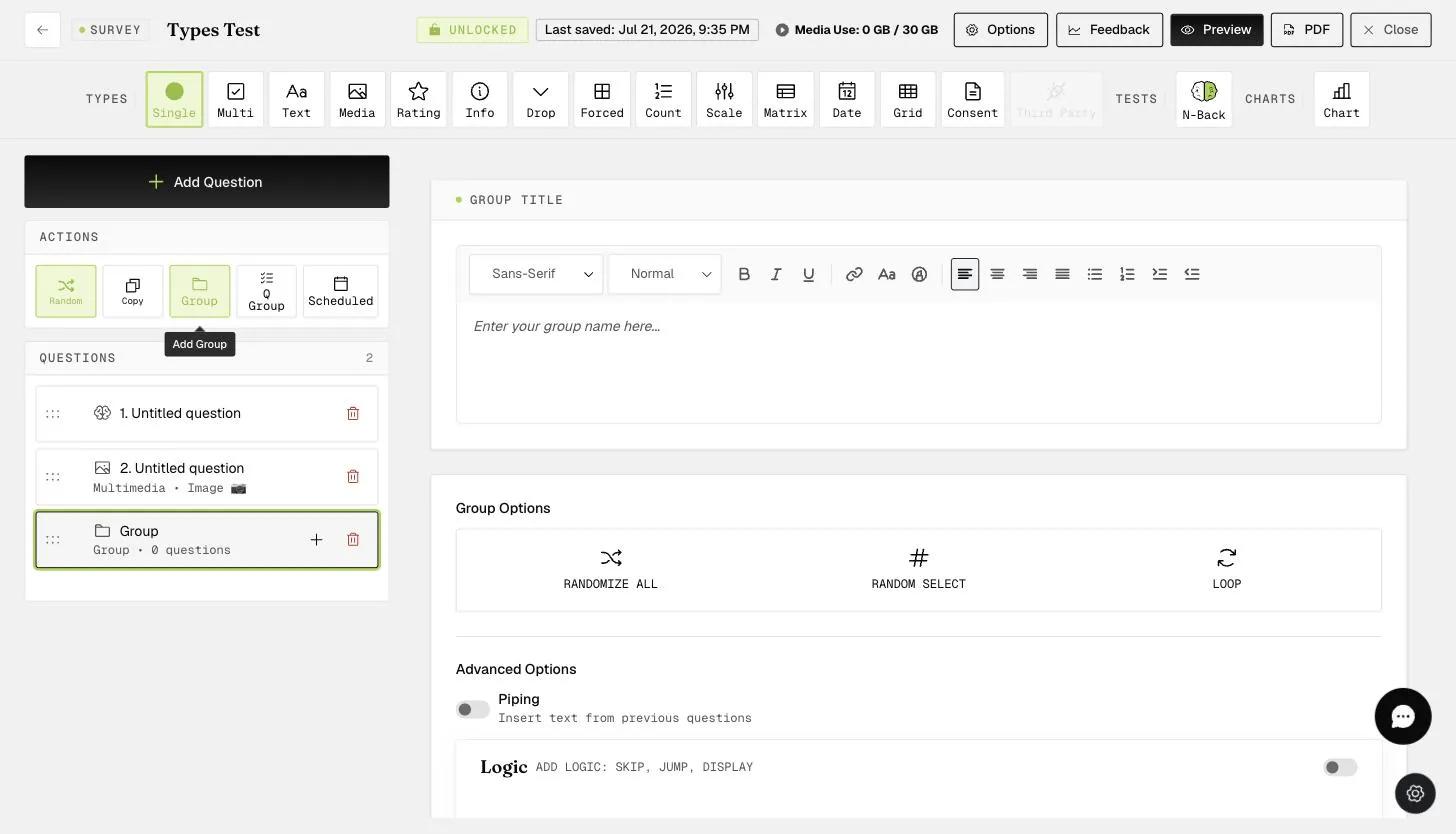
As shown above, the group question format can be found along the "Questions" row. Clicking on that option will bring up a Group box into which you can drag all your questions.
To add questions to the group, you simply click the "+" button, or you can drag existing questions.
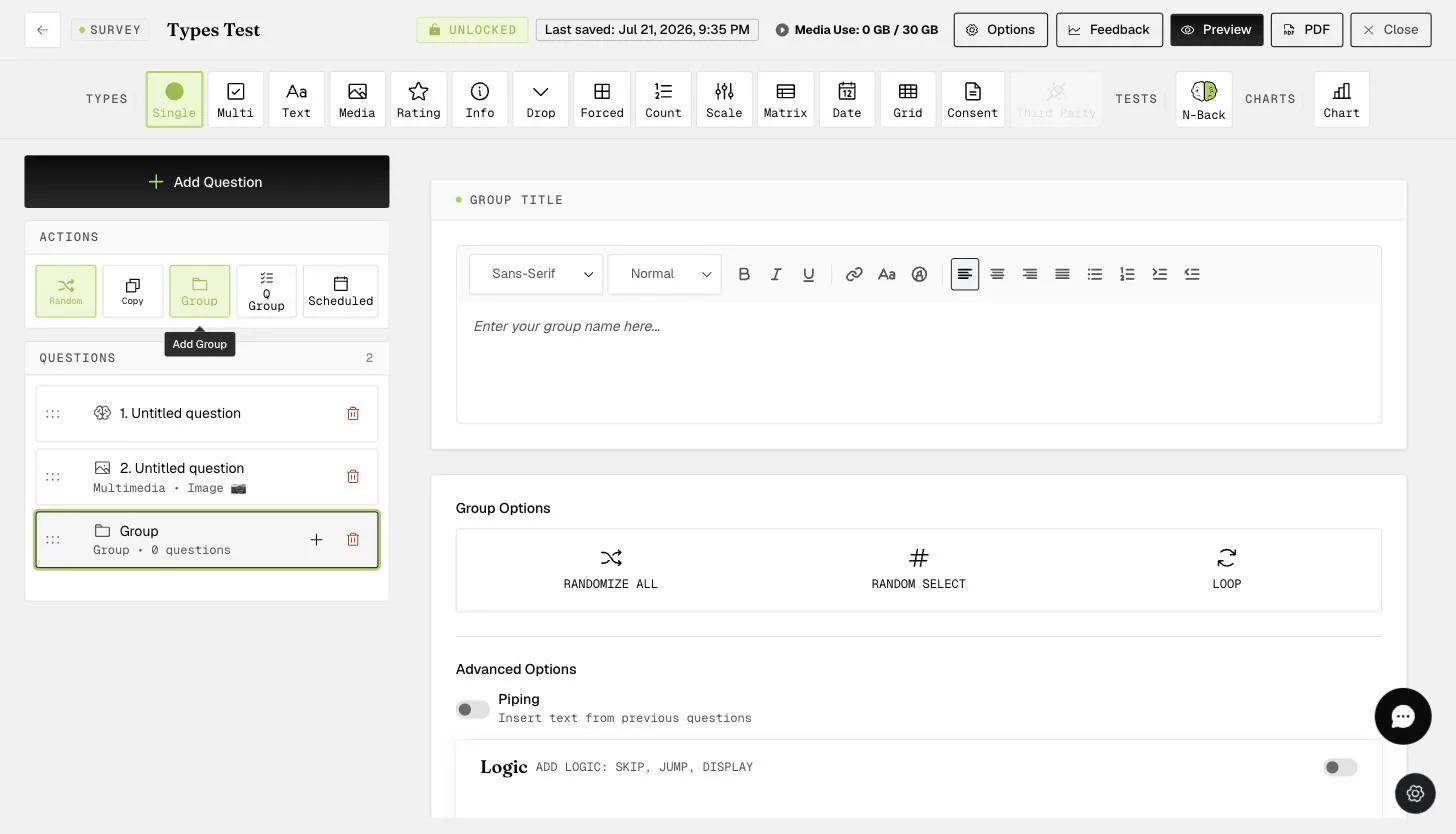
The advantage of having the questions within a Group is that you can choose to randomize all the questions within the Group only, or keep the order of questions within the Group even when all other questions outside the Group are randomized within the survey.
QUESTION GROUP
The "Question Group" is another way to organize questions. For "Question Group", all the questions need to have the same response format within the group. This is the major difference from the "Group" type, which allows for all types of response formats. In general, researchers find it most useful to use the "Question Group" for repeated questions with the same type of rating format. For example, asking participants if they 'Strongly Agree' or 'Strongly Disagree' to different statements on concepts such as personality, attitudes, emotions, etc.
-
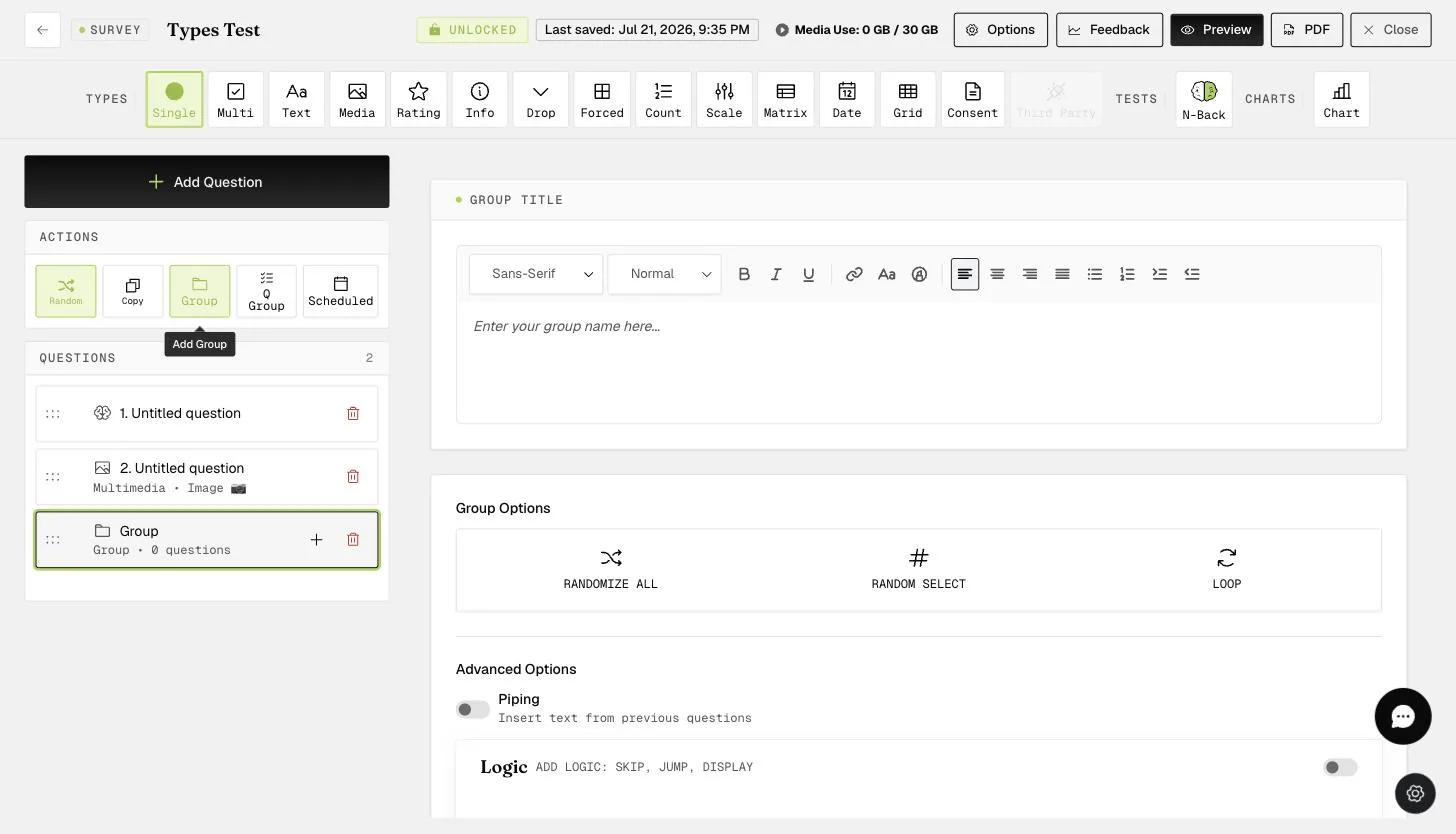
The "Question Group" can be found next to the "Questions" row, as shown below.
-
Clicking on the "Question Group" brings up the "Question Group" box, where you can see the name and option to randomize and add questions.
-
You can enter the name of the group here.
-
Decide what question type to use in this group.
-
Set the default choices for all the questions within this group.
After creating a QUESTION GROUP, you can start building your questions.
-
You can see your added questions here.
-
The default choices that you set earlier. (Please see the previous image.)
You can keep adding questions to this group and have the option to randomize them.