Response type
Learn the Response Types
For your experience sampling and ecological momentary assessment surveys, you can choose to allow participants to skip questions, prompt them to respond, or force a response before moving to the next question. You can do this at two levels:
-
Question level: you can choose the response type depending on the question you are asking
-
Survey level: you apply the same response type across all the questions in the survey
Question Level
-
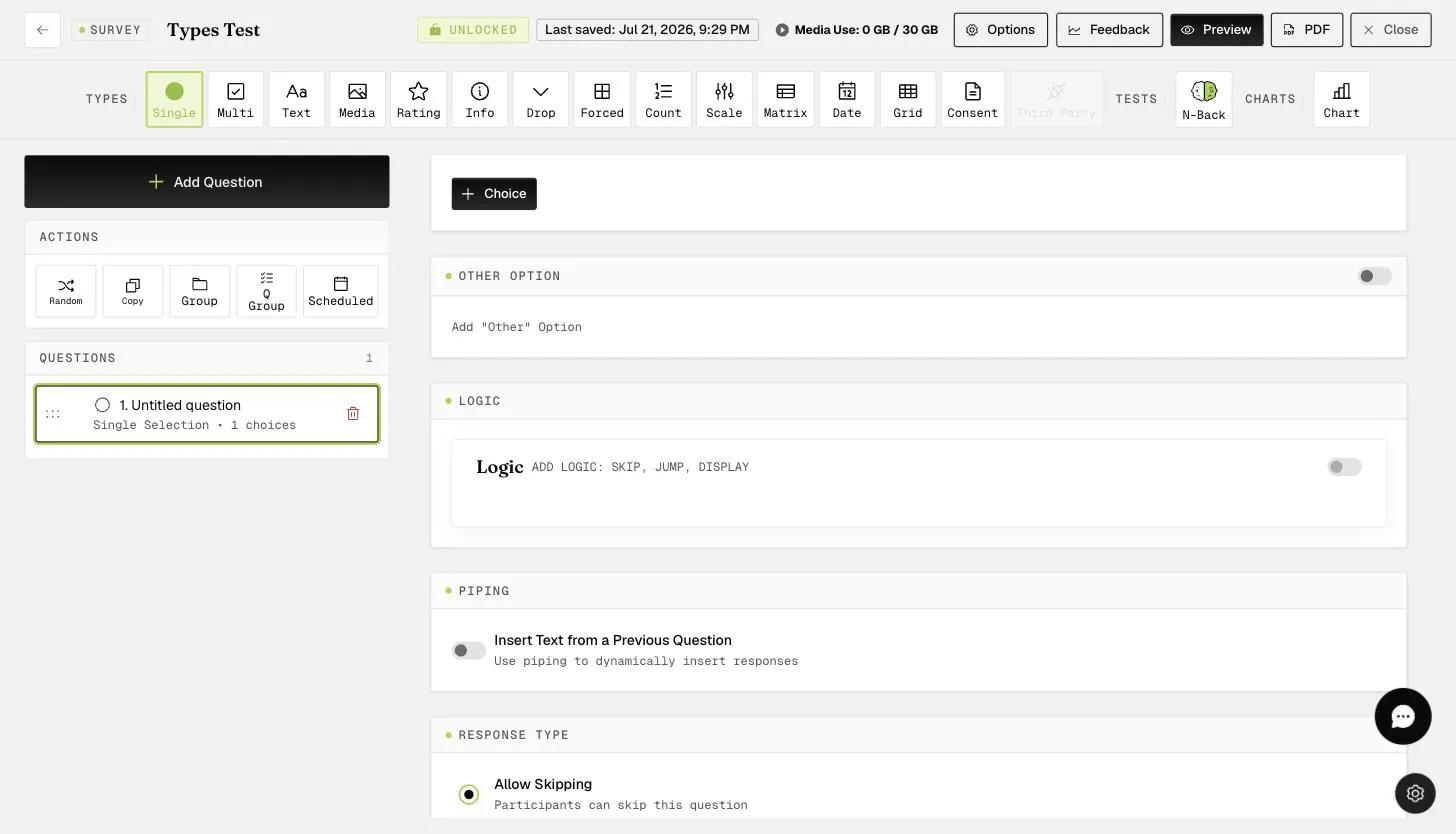
By default, participants will be able to skip responding to questions on the survey. This can be seen in the "Response Type" option of "Allow Skipping" that is toggled on.
-
At times, sensitive questions may be asked and you want to give participants the freedom to not respond. At the same time, you would like to prompt them to respond in case they missed the question. In this scenario, you may wish to select "Request Response".
-
There may be occasions when a response to a question is required for your experience sampling and ecological momentary assessment survey. In this scenario, you can toggle "Force Response" for the question. This will ensure that participants have to respond to the question before moving to the next question.
Survey Level
To apply the same response type to all questions in the survey, you should open the survey "Options" panel from the "Options" button in the survey builder header.
You can select the desired response type from the "Survey Response Type" options. This response type applies as the default for questions in the survey; individual questions can override it in their own settings.
This walkthrough was recorded in the earlier ExpiWell interface — an updated video for the new dashboard is coming.