Download a copy of your data
Set up · Account Settings
Updated 20 de julio de 2026You can obtain a copy of the data associated with your account from Settings → Account (under Personal) — scroll to the Download a copy of your data section at the bottom of the page.
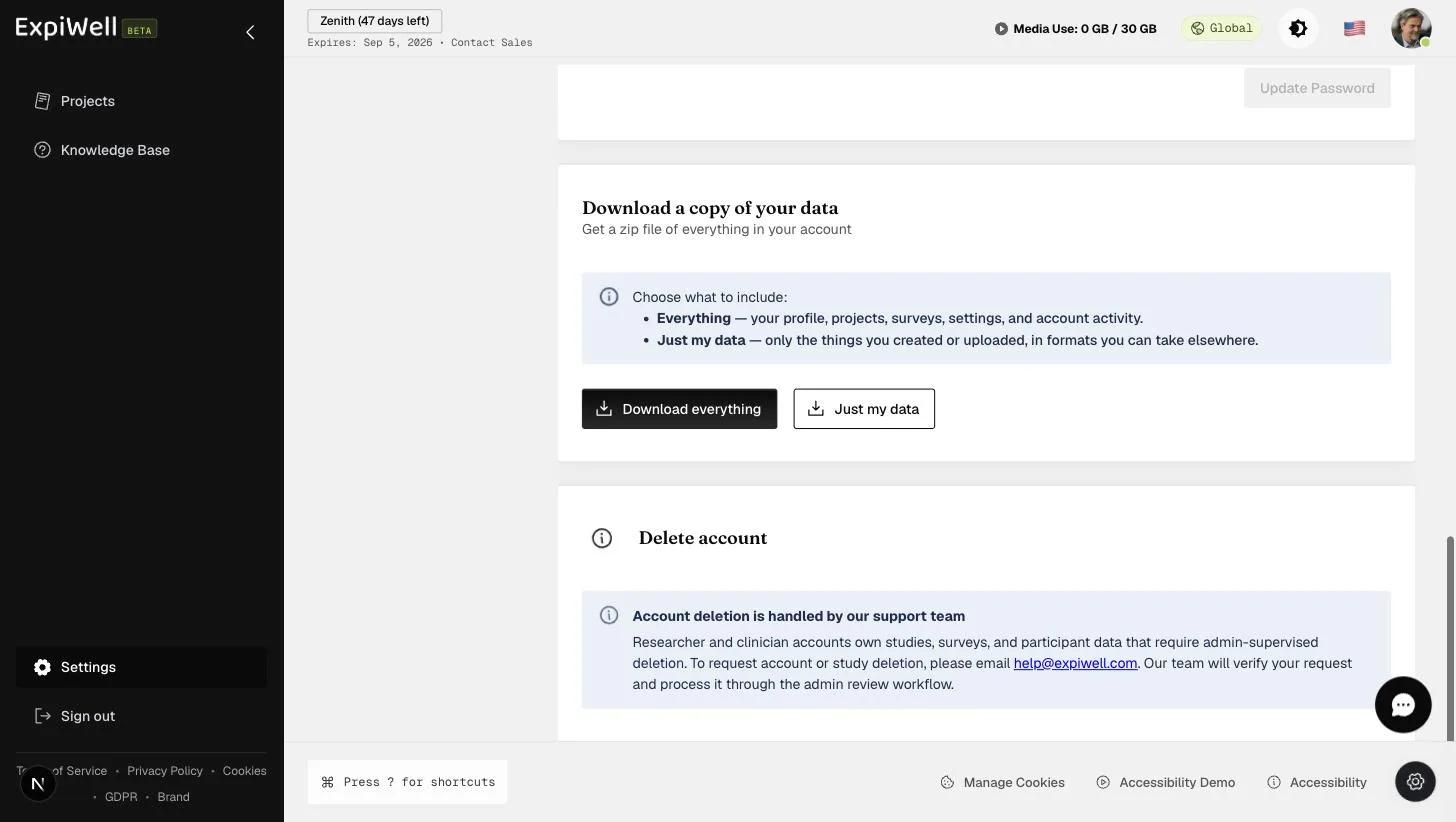
This is your account-level export. For exporting research data (participant responses, media, timestamps), use the project-level tools instead:
Watch it in action
Video demo — Downloading a copy of your data (coming soon)
Was this helpful?