Media download
How to Download Media Content
Researchers using ExpiWell can embed media content in their questions and gather it from participants.
Researchers can use the multimedia question type to gather images, audio, and videos.
After participants respond to the surveys, you can find and download their responses by navigating to INSIGHTS > Media.
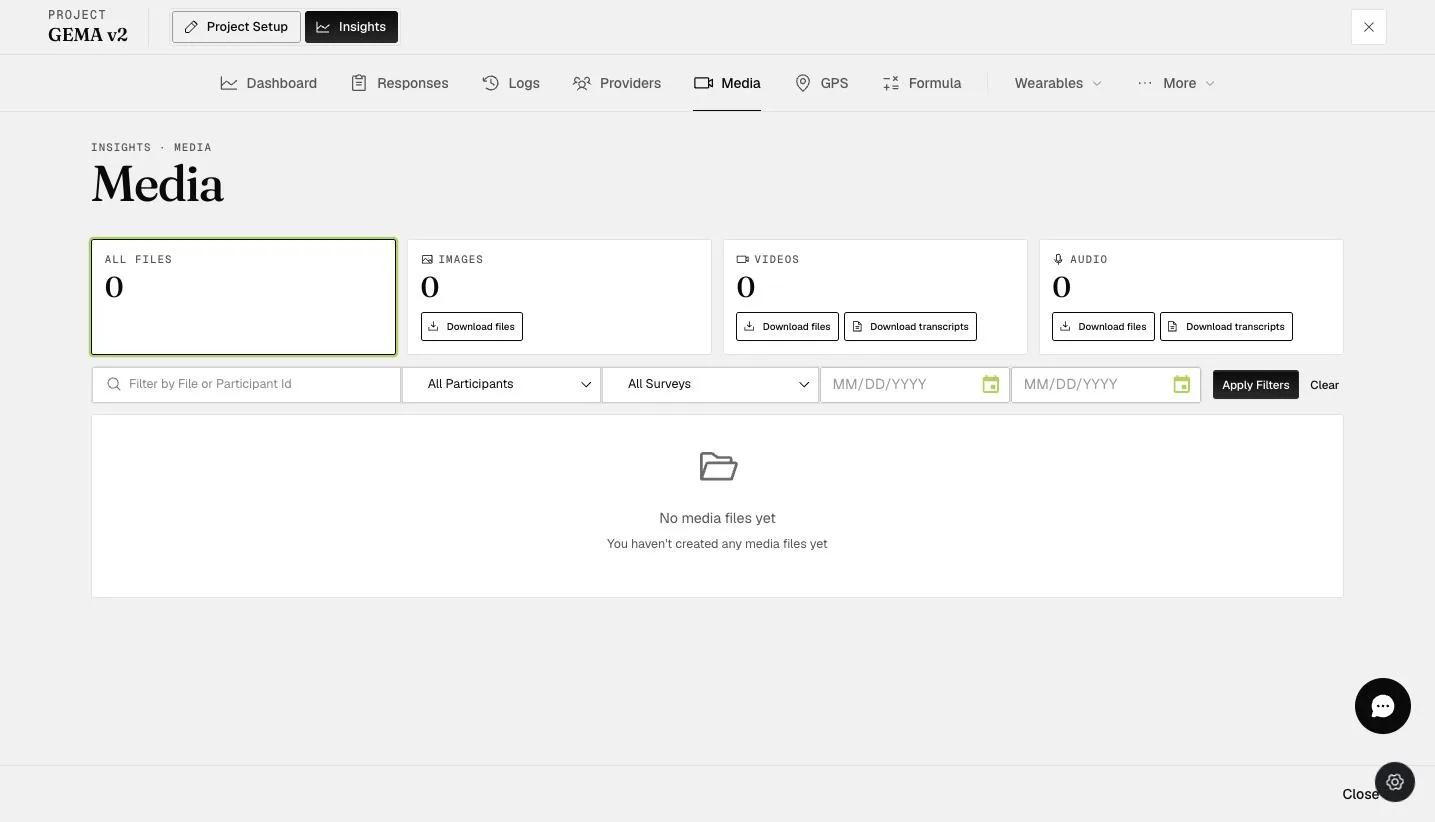
1: This option allows you to search for a specific participant.
2: This option allows you to download all media files of the same type. You can download them for all participants at once by selecting 'Download all,' or download them for a specific participant by entering the participant's ID in the search box and then selecting the download button for that file type, as shown by the screenshot below.
3: This option allows you to download a specific media file.
4: This option allows you to filter the media files by participants, surveys, or dates.
5: This option allows you to download the audio or video transcriptions for all participants at once (it is only available for Premium and up users).
6: This option allows you to download a specific audio or video transcription for a specific media file (it is only available for Premium and up users).
If your Media usage exceeds your license limit (15 GB for Plus and 30 GB for Premium licenses and up), please contact sales@expiwell.com.
The ESM (experience sampling method) media content feature in ExpiWell is a revolutionary tool for researchers seeking to deepen their insights and broaden the scope of their studies. By embedding and gathering rich media content such as images, audio, and videos, researchers can capture a more vivid and comprehensive view of participants' experiences and responses.
This multimedia approach enriches the data, offering layers of context that traditional text-based questions cannot provide. The ease of navigating to INSIGHTS > Media to download these responses simplifies the process, making it incredibly efficient to collate and analyze diverse forms of data.
The ability to search for specific participants or download all media files of the same type streamlines the data management process, allowing researchers to focus on analysis and insights. This feature particularly benefits studies requiring a nuanced understanding, providing a more holistic view of participants' behaviors, attitudes, and environments. ESM media content in ExpiWell is not just a feature; it's a gateway to richer, more meaningful research outcomes.