Changing project email contact
Launch · Project Review
Updated 29 de diciembre de 2023How to Change Project Email Contact
To enhance communication between participants and researchers, participants will be able to contact researchers directly when they view the project on their ExpiWell app.
Screenshot — a red arrow pointing to mail option
When clicking the email contact button, an email will be created that is based on the researcher's email account by default.
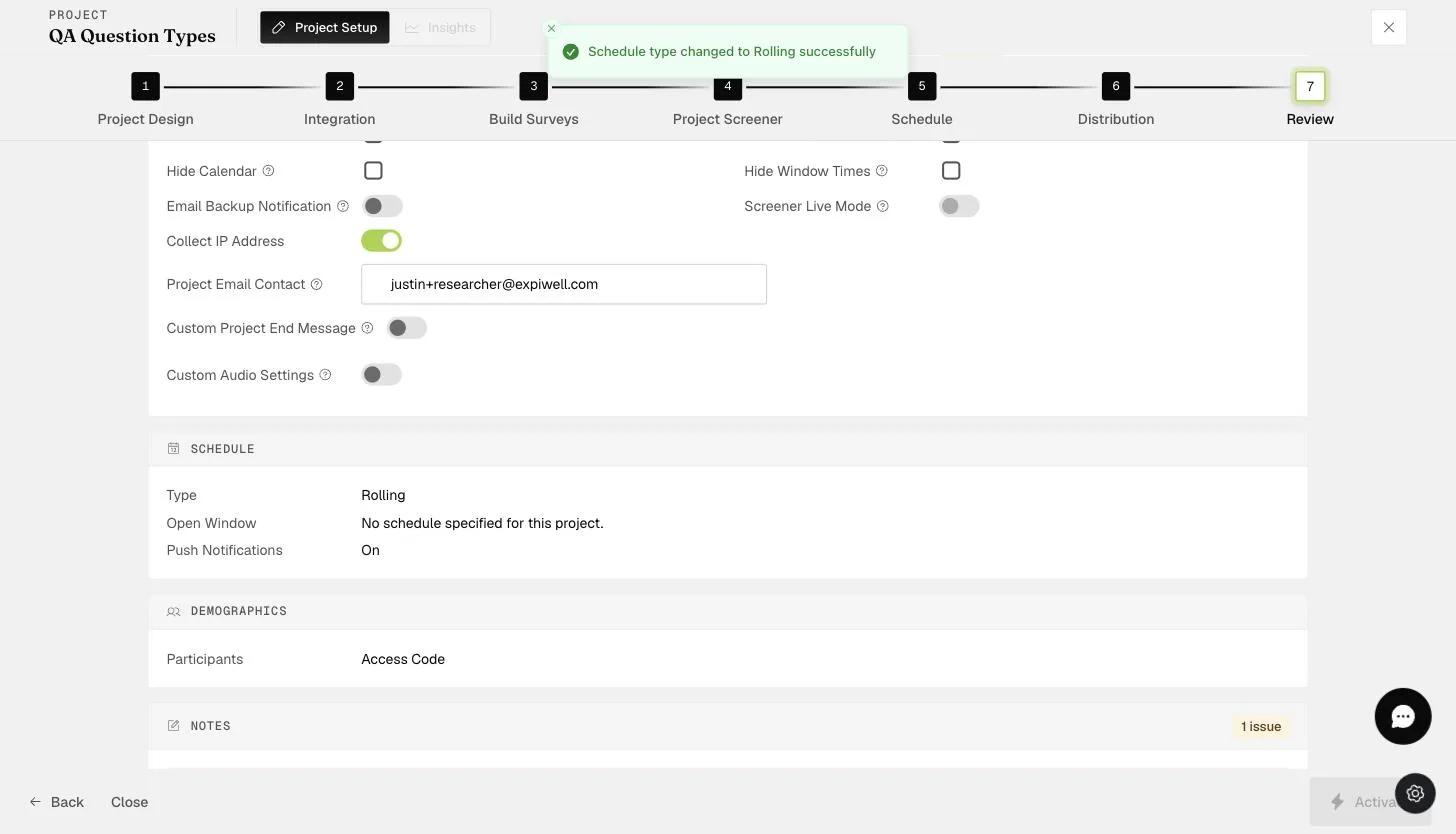
You can change the default email contact on the "Review" page of the project on any plan. This allows the research administrator or coordinator within the project team to receive any queries from participants directly.
Video demo — Changing Project Email Contact (coming soon)
Was this helpful?