Creating quotas for screened participants
How to Create Quotas
Often, you will want to not only screen out participants but also set quotas on the number of participants in a specific category. For instance, you may wish to have 100 participants who are aged 40-60 and 100 participants who are aged 61 and above. This can be helpful in limiting the number of participants based on your project budget.
Creating Quotas
You can create different quotas for participants who passed the Project Screener questions in the "Project Screener" tab. Click on "Add Quota"
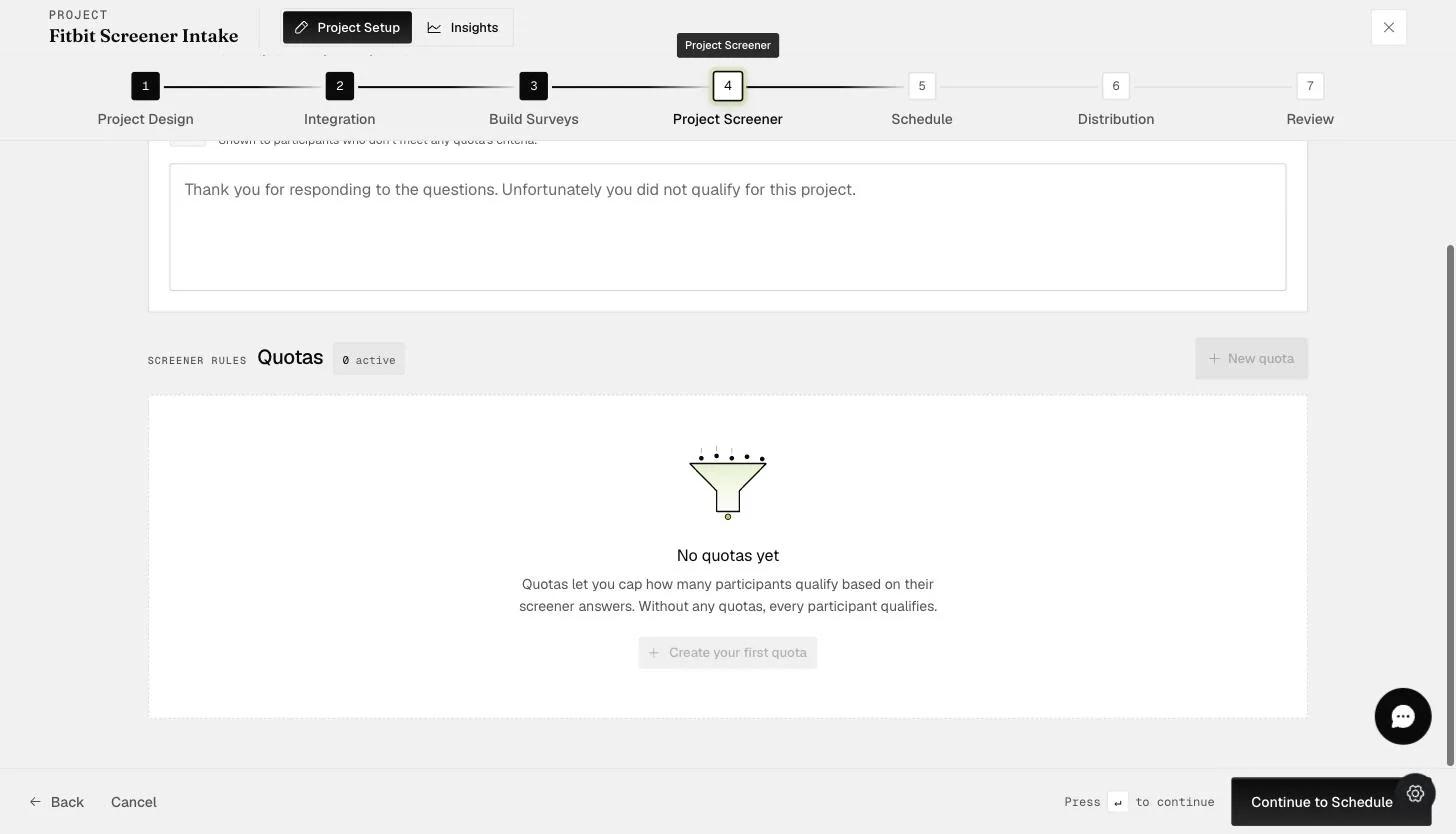
In the New Quota form, you will be able to set the
-
Quota name
-
Quota limit
-
Screening criteria — select the question responses that fall within the quota
Choose "Add Quota" to continue.
Afterward, you should be able to see the quota you created.
Based on this quota, the Project Screener will prevent additional participants from joining the project once the quota number is reached.