Backup email notifications
The Importance of Backup Email Notifications
For ecological momentary assessment (EMA) and experience sampling method (ESM) projects, it is important to have reliable notifications sent to participants. However, there are multiple reasons why participants may not be able to receive in-app notifications. This includes:
-
Not having Wi-Fi and cellular service
-
Not having the mobile phone turned on due to low battery
-
Removing the ExpiWell mobile app
One way to overcome this is to use our "offline notification" feature. However, there are significant caveats to using it. See Offline Notifications.
To provide an additional channel to notify participants, we have created backup email notifications. To enable it, you can go to the "Review" step of the project. Then, toggle on "Email Backup Notification".
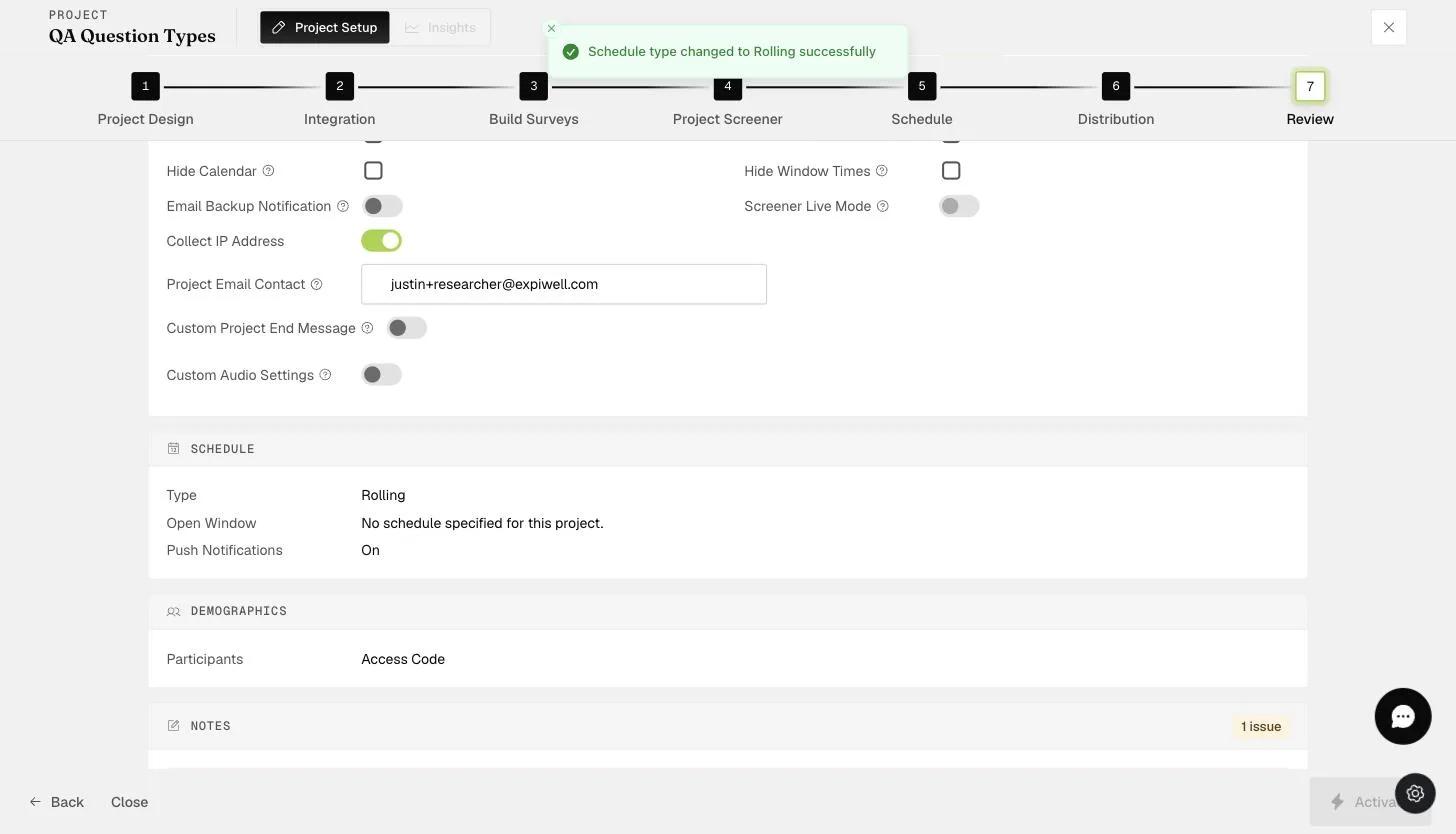
This will send an email to participants when they cannot receive an in-app notification.