Manage your subscription
Set up · Organization & Team
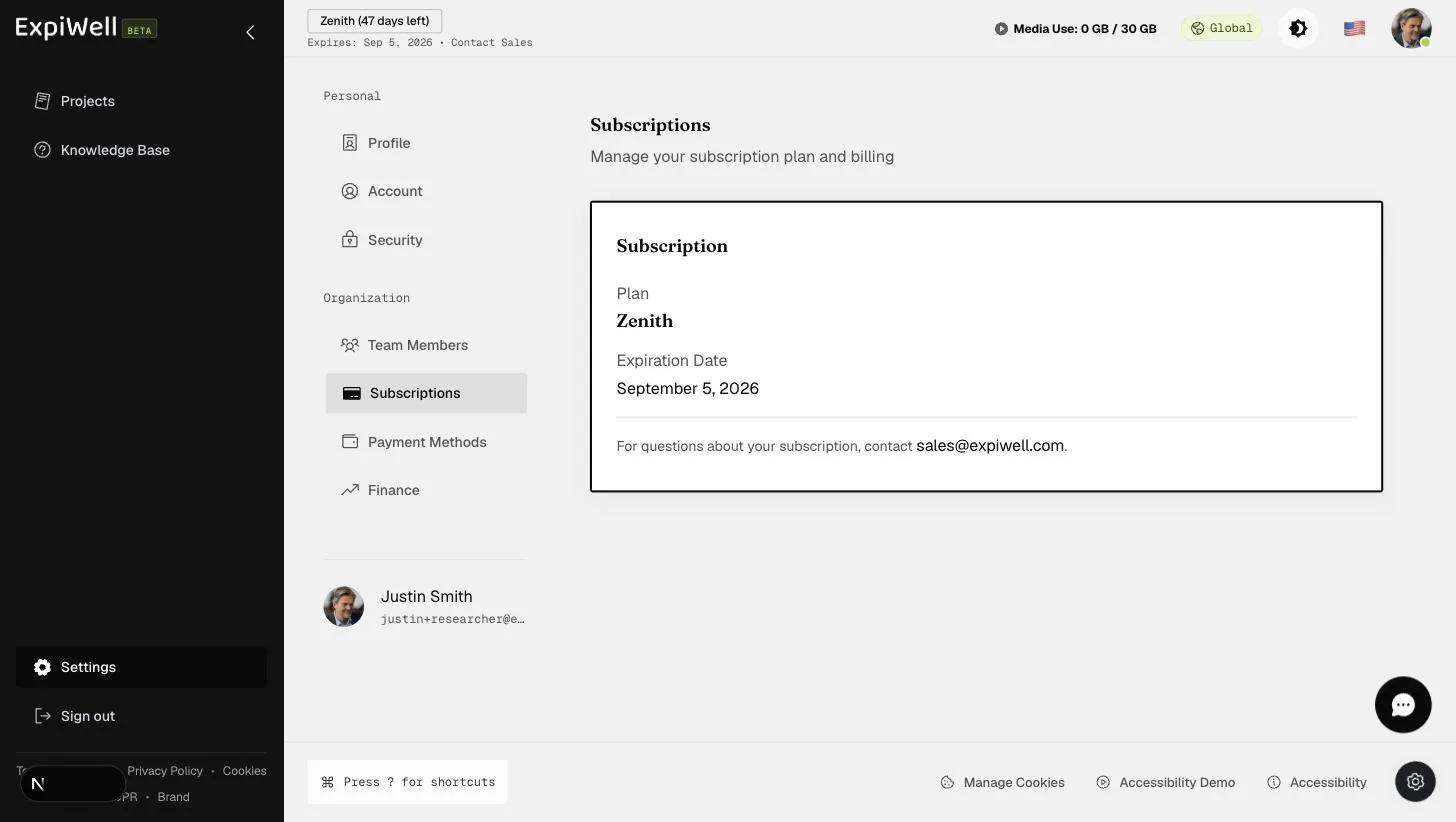
Updated July 20, 2026Your organization's plan is managed at Settings → Subscriptions (under Organization). The dashboard header also keeps two subscription facts visible at all times:
- Your license chip (top left) — the plan name with days remaining and its expiration date, with a Contact Sales link for changes.
- Media Use (top bar) — how much of your plan's media storage
(video, audio, and image responses) you've consumed, e.g.
280 KB / 30 GB.
Changing plans
Plan changes and renewals are quote-based — use the Contact Sales link in the license chip, or see the plan comparison on the subscription page. Special pricing exists for graduate students, short-term projects, and academic departments.
Watch it in action
Video demo — Managing your subscription (coming soon)
Related
Was this helpful?