Knowledge base  /  From the ExpiWell team

How can we help?

Guides for every step of your study — from your first project to your final data export.

97 guides across 28 categories · Updated by the ExpiWell team
Help CenterSet upOrganization & Team

Payment methods

Set up · Organization & Team
Updated July 20, 2026

Saved cards live at Settings → Payment Methods (under Organization). They're used for subscriptions and payments — including funding your participant-payment balance.

Managing cards

  1. Open Settings → Payment Methods.
  2. Click Add Card to save a new credit or debit card.
  3. Saved cards appear in the list, where they can be managed or removed.
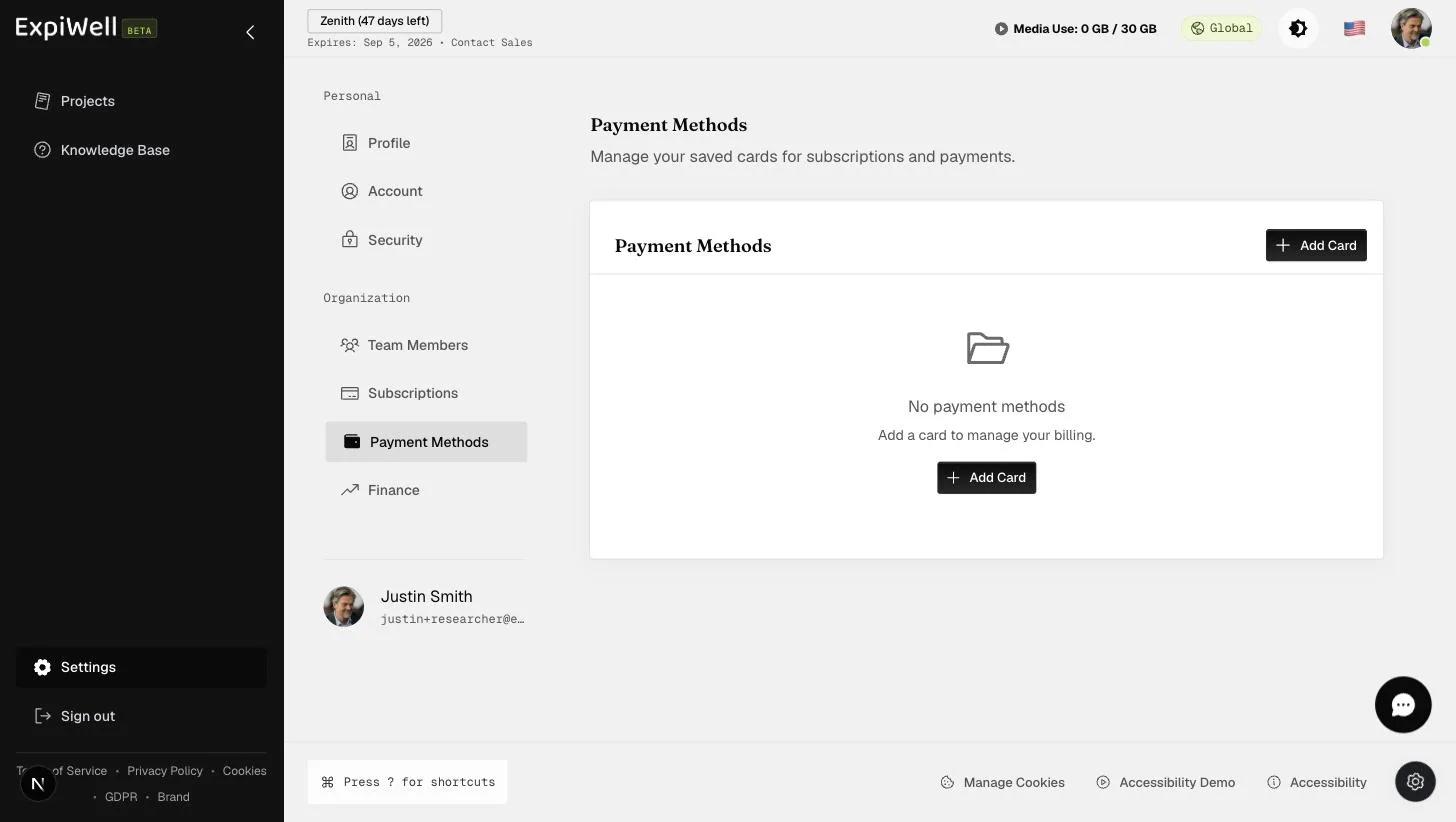
The Payment Methods settings page for managing saved cards for subscriptions and payments, with an Add Card button

Watch it in action

Video demo — Managing payment methods (coming soon)

Related

Was this helpful?
Start today

Talk to a human on the ExpiWell team.

Still stuck? Our team of researchers answers technical and study-design questions alike.