Embed media in surveys
How to Embed Media for Your Surveys
When conducting your ecological momentary assessment (EMA) and experience sampling method (ESM) project, you may want to embed images, audio, or videos for several reasons. These include:
-
Increasing engagement among participants
-
Presenting stimuli as part of an experiment within EMA and ESM
-
Creating survey questions that require images, audio, or videos
Researchers can embed media files in their surveys by clicking on the "Add Media" button for each question.
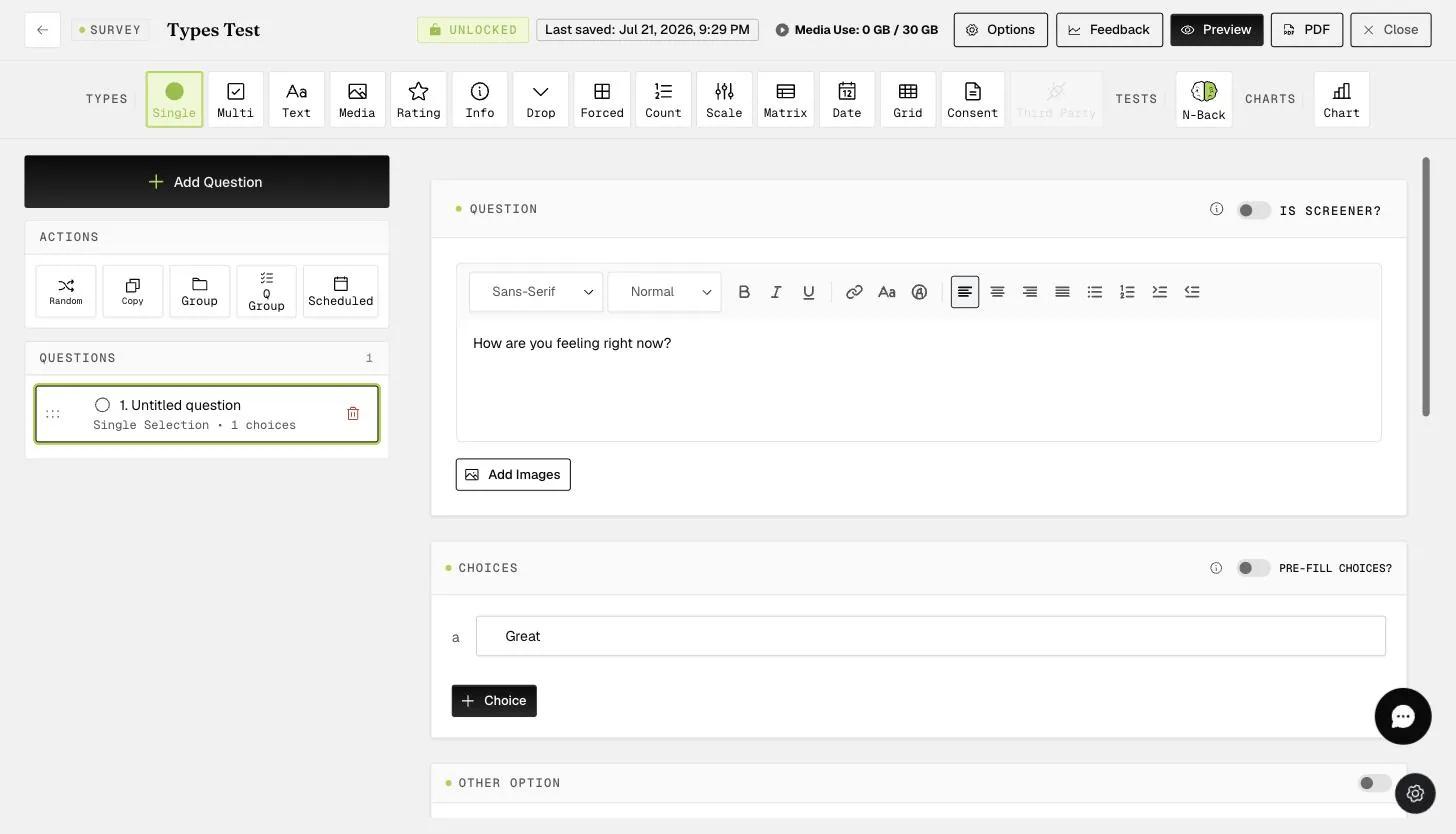
This will open the "Embed Media" modal, where researchers can drag and drop media files or paste a URL link to an image, video, or audio file.
Note: You can add multiple images (up to 10) to a single question, provided the image file size is less than 20 MB per file. For rich media, you can embed only one video or audio file per question. Video files must be less than 50 MB in size, and audio files must be less than 40 MB.
A media preview will appear in the modal. Click 'Upload Media' to confirm and add it to your question.
Note on Appearance: The display of media within the survey builder on the website may differ slightly from the final experience. The picture presentation on the mobile app will be optimized and correctly formatted.
Image Upload
Once the image file(s) are uploaded, they will be displayed below the question in the bottom-right panel. In this example, we have the "ExpiWell" logos.
Images can be displayed anywhere within the question text. After the image(s) are uploaded, you will need to drag the image icon from the bottom panel into the question text area to precisely position it, as shown in the example below.
On the mobile end, the images will be displayed accordingly, as shown in the example mobile screenshot below.
Audio or Video Upload
For rich media, you can embed only one video or audio file per question. The audio or video file position will be fixed at the bottom of the question on the mobile end.
On the mobile end, the audio or video file will be displayed at the bottom of the question text, as shown in the example mobile screenshot below.