Download surveys in PDF format
How to Download Surveys in PDF Format
The downloading of survey questionnaires is available on Premium plans.
In the survey builder, click the PDF download button in the top toolbar.
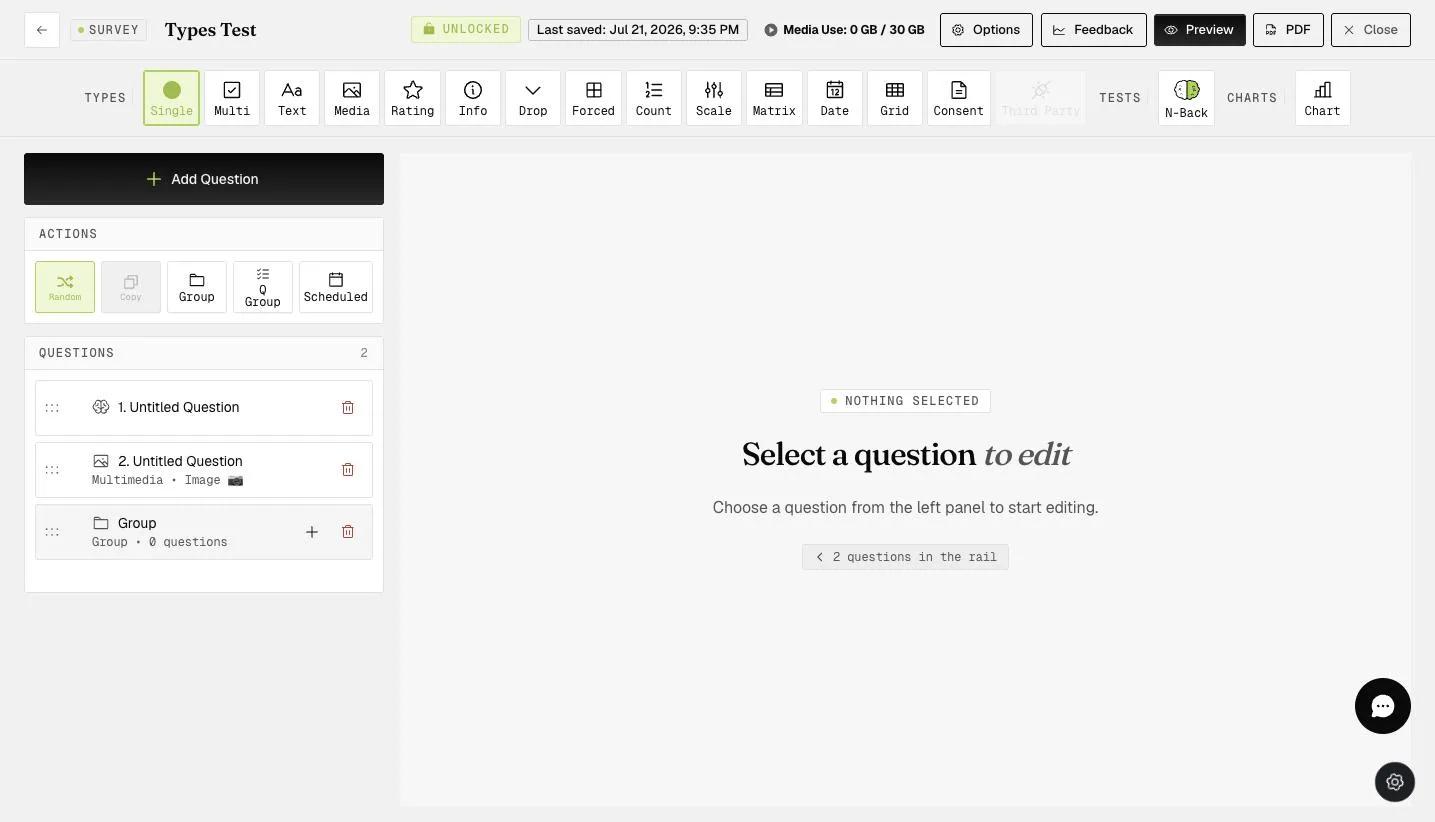
Once you have successfully downloaded it, you can open the file to view it or print it from the PDF viewer program you use, like Adobe Reader.
The EMA PDF Survey Download feature in ExpiWell is a significant advancement for researchers and participants. It allows for the efficient conversion of digital surveys into PDF format, ensuring that your data is not only secure but also easily accessible and shareable.
This feature is particularly beneficial for those who prefer or require a hard copy for detailed review, archival purposes, or offline access. You can download, print, or distribute your surveys with just a few clicks, facilitating a broader reach and engagement in various environments. Whether for academic presentations, stakeholder meetings, or participant briefings, the EMA PDF Survey Download option enhances the versatility and usability of your surveys, making it a vital tool in any research arsenal.