New experiences
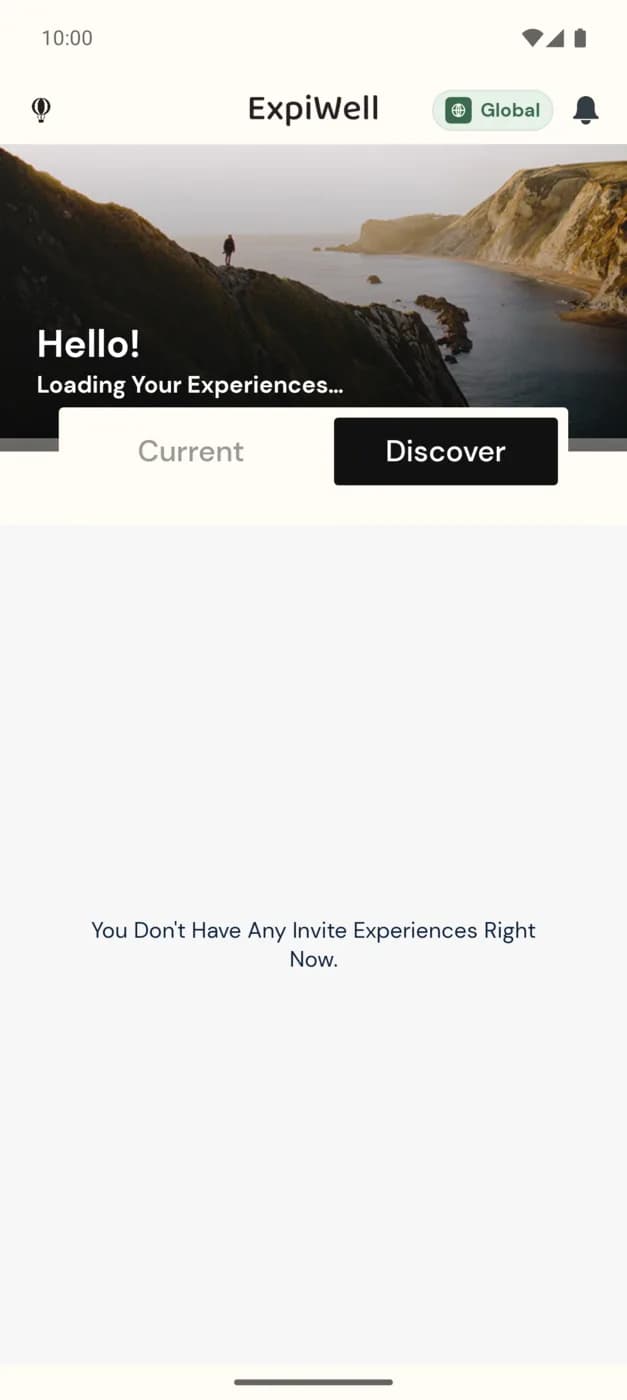
The Discover tab is where studies you've been invited to show up, ready for you to join. It's the counterpart to Current (the studies you're already taking part in) and gives you a place to review invitations before you opt in.
Finding new experiences
On the home screen, tap the Discover tab. Any studies a research team has invited you to — using the email address tied to your account — appear here. If there are none waiting, you'll see "You Don't Have Any Invite Experiences Right Now."
Two ways to start a study
- From Discover — join a study you were invited to by email, straight from this tab.
- With an access code — if your research team gave you a code instead, add the study yourself with the + button; see How to add experiences.
Once you join, the study moves to your Current tab and its surveys begin on schedule. See Available & completed experiences.
Invitations are tied to the email on your account. If you expect an invite but don't see it, confirm with your research team that they invited the same email address you signed in with — see Contacting the researchers.