Create an account
Mobile app · Getting Started
Updated July 19, 2026Taking part in a study runs through the free ExpiWell app: install it from the App Store or Google Play, then join your project — no payment and no technical setup needed.
Joining your study
Your research team will give you one of three ways in:
- An access code — enter it in the app to start the project.
- An email invite — join with the email address the researchers invited.
- A ready-made account — some studies hand you temporary login credentials instead, so you never have to create an account yourself.
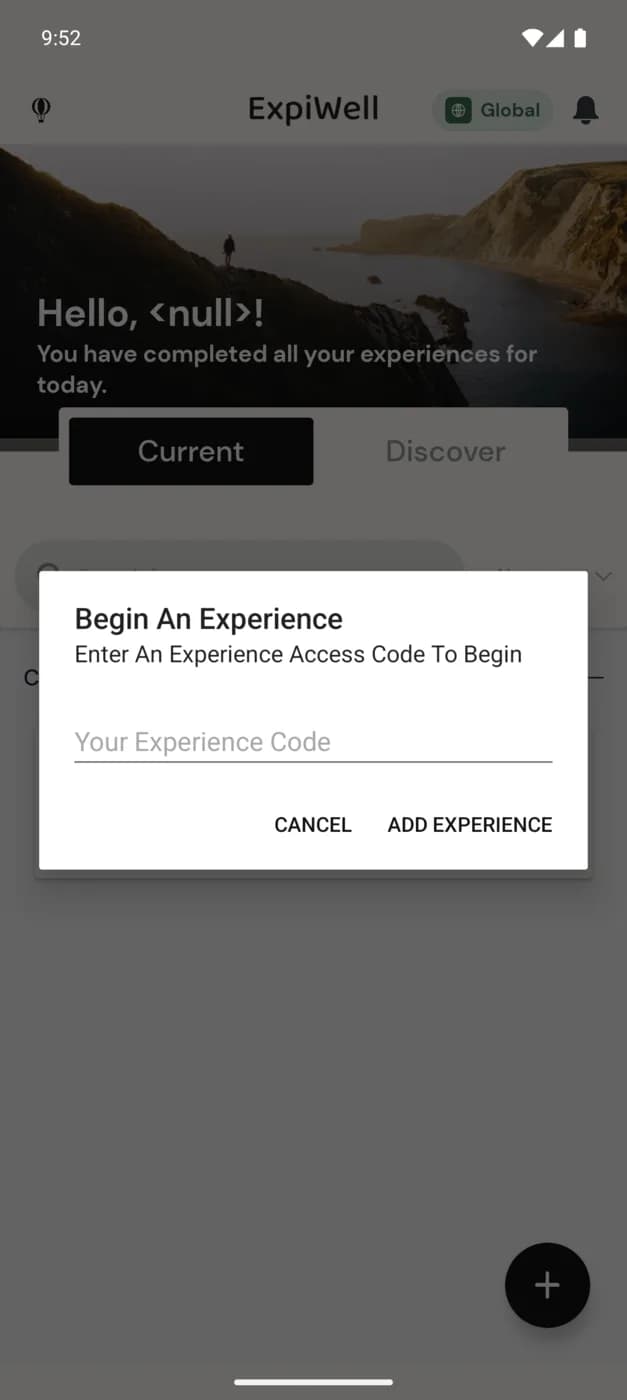
Video demo — Creating an account and joining a study (coming soon)
What to expect
- Surveys arrive as notifications on the schedule your research team set — times follow your own time zone and adjust automatically if you travel during the study.
- No connection? No problem. You can respond without WiFi or cellular service; answers upload automatically once you're back online.
- Depending on the study, responses can include text, photos, voice, or video, and some projects show you charts of your own progress in the app.
- If your study compensates participants, payments arrive directly in the app as Amazon e-gift cards — see Receiving payments.
Your privacy
You participate anonymized: no identifying information is shared with researchers through the app. The platform is third-party verified HIPAA and GDPR compliant.
Troubleshooting
The app is available in English, German, Spanish, Simplified and Traditional Chinese, Hebrew, and Korean. If you can't join a project, double-check the access code with your research team — or contact them directly from the app; see Contacting the researchers.
Was this helpful?