Receiving payments
Mobile app · Payments
Updated July 21, 2026If your study offers compensation, ExpiWell pays you directly in the app as Amazon e-gift cards — no bank details, and your identity stays anonymized from the research team. What you've earned appears under My Balance.
Checking your balance
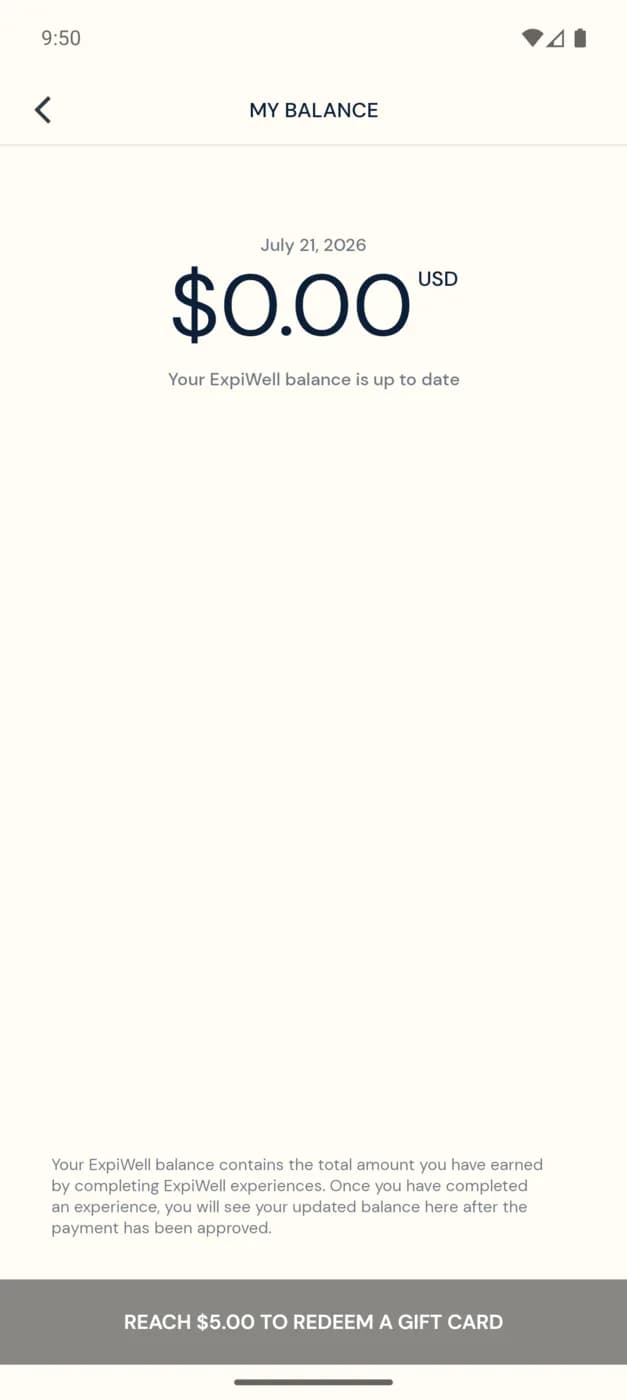
Open the menu → Settings → My Balance. The screen shows your current total in USD and a note that your balance is up to date. As you complete experiences and your research team approves the payments, your balance grows.
Redemption threshold
You need to reach $5.00 before you can redeem a gift card. Amounts below the threshold keep accumulating until you get there.
How payments work
- Your research team sets how much each response or study is worth and when payments are released — see Participant payment arrangement.
- A payment shows up in My Balance after the research team approves it, which may be after a survey, a milestone, or the end of the study.
- Payments History (in Settings) lists the individual payments you've received.
- Once you pass the threshold, redeem your balance as an Amazon e-gift card, delivered in-app.
Troubleshooting
- Balance looks low or empty? Payments only appear after approval — some studies pay at the end. Give it time, then check Payments History.
- Expected a payment that isn't there? The amount and timing are set by your research team; contact them from the app — see Contacting the researchers.
Was this helpful?