Experience options
Mobile app · Experiences
Updated July 21, 2026Every study on your home screen has an options menu for managing your participation in it — reached from the ⋮ (three-dot) icon on the study's card.
Opening the options
On the Current tab, tap the ⋮ icon on the right side of a study's card.
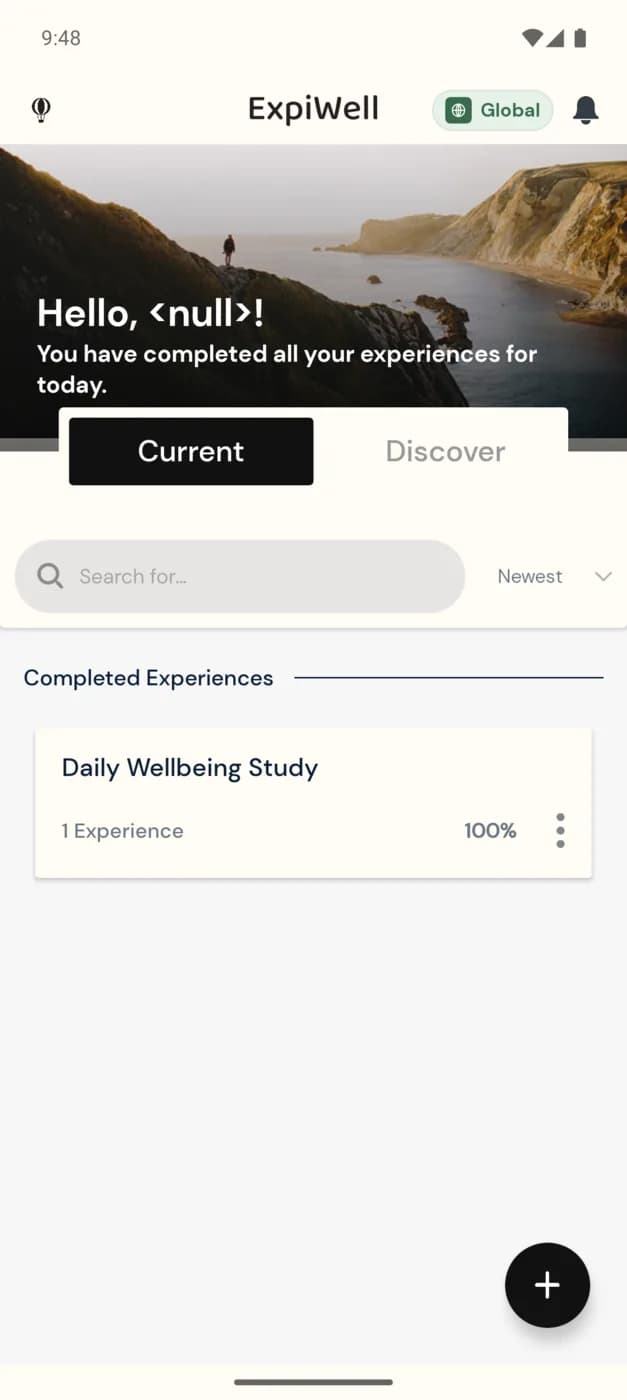
The menu lets you manage that study — for example, viewing its details or leaving the study if you no longer wish to participate.
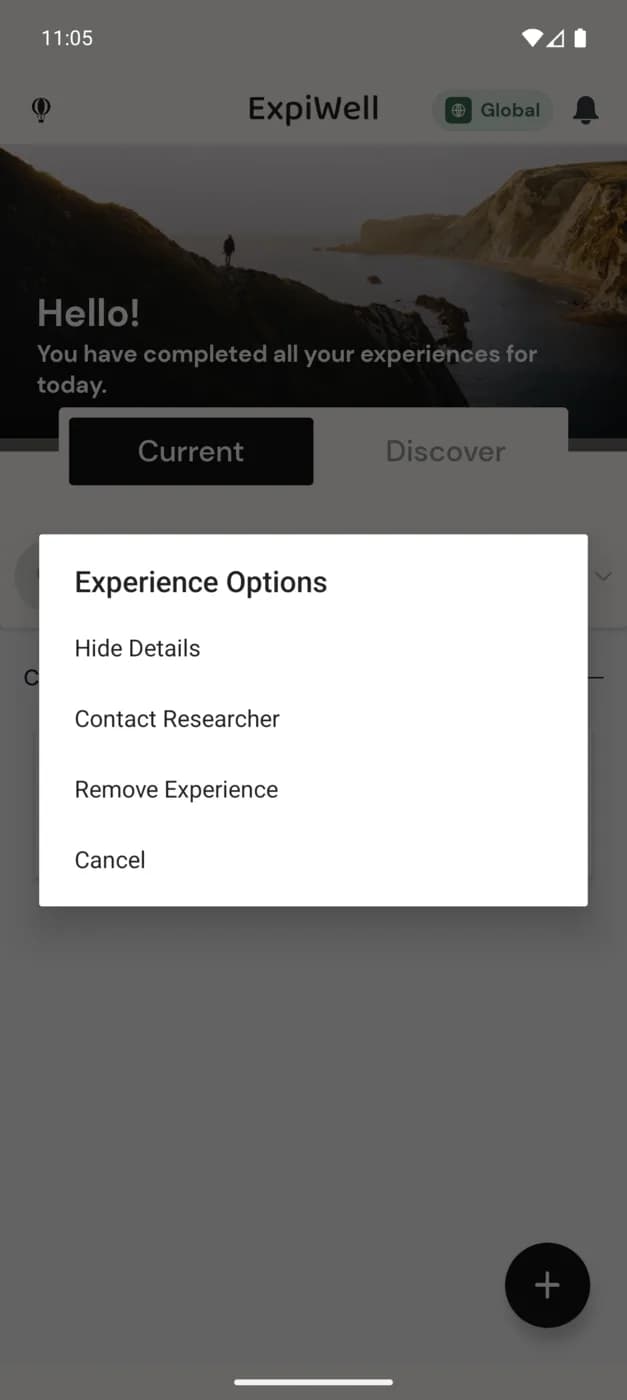
Leaving a study is significant
If you choose to leave a study, you stop receiving its surveys. Do this only if you intend to withdraw from that research — if you're unsure, check with your research team first; see Contacting the researchers.
Related
- Reviewing a study's surveys and progress → Project overview.
- Adding another study → How to add experiences.
Was this helpful?