Screener questions
Learn the Screener Question Feature
The "Screener Question" feature is used to screen out participants DURING the project. In other words, while they are participating in the experience sampling or ecological momentary assessment project and responding to the different surveys.
One use of this is to screen out participants who are not paying attention or who are providing insufficient effort in responding to your survey. In this manner, you will not need to wait until the end of your project to check for participants who failed attention check questions or careless responding questions.
Screener Questions are typically added within the first survey for your experience sampling or ecological momentary assessment project. For instance, this may be your baseline survey or demographic survey that participants complete.
The system will check for whether participants passed the screener questions only AFTER they submitted the survey. If they failed, they will immediately be notified that they cannot continue on.
Creating Screener Questions
When you create your surveys, you can turn on the "Is Screener" toggle for single-selection questions.
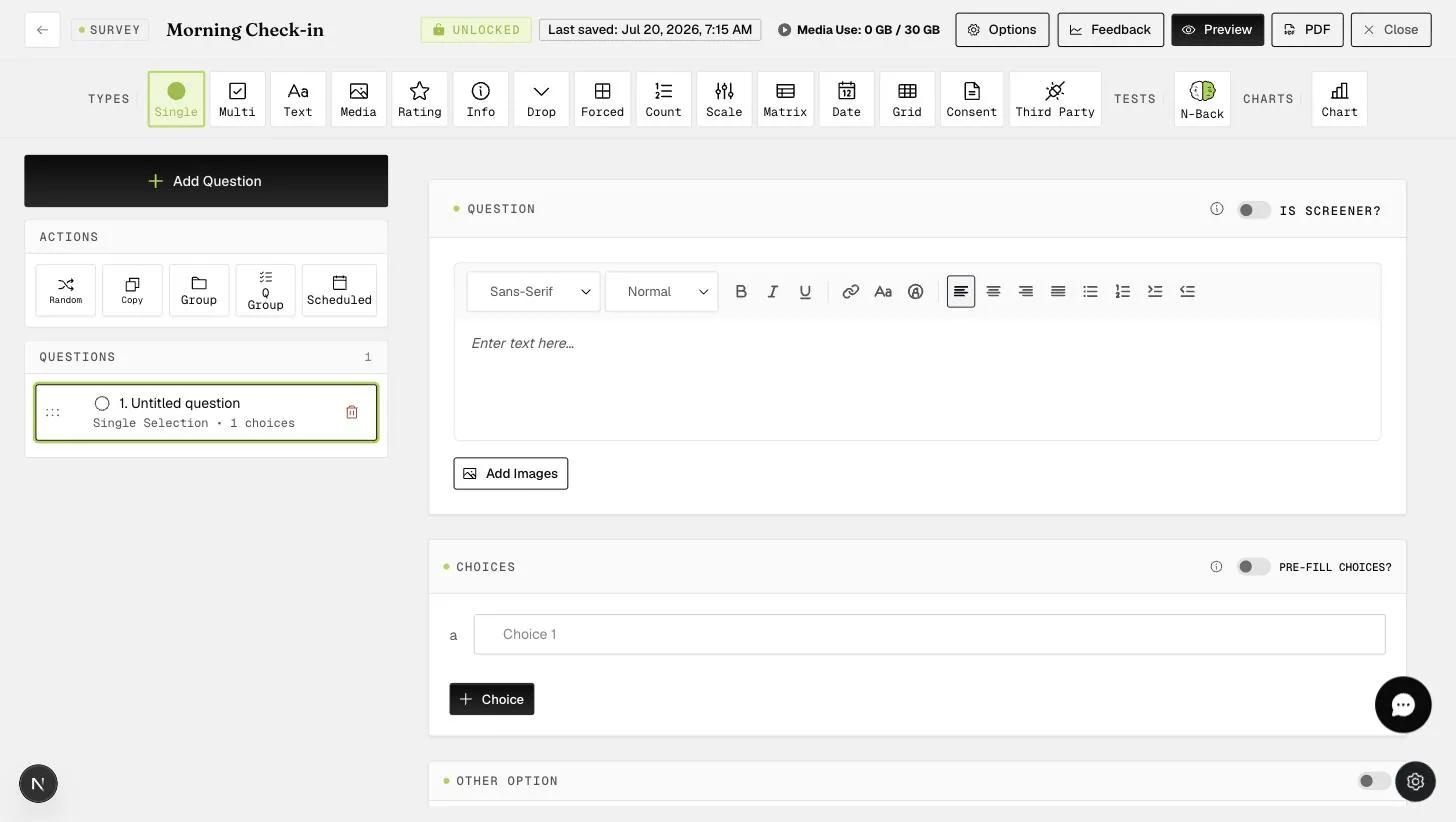
You can then select the correct response(s) by clicking on the checkbox.
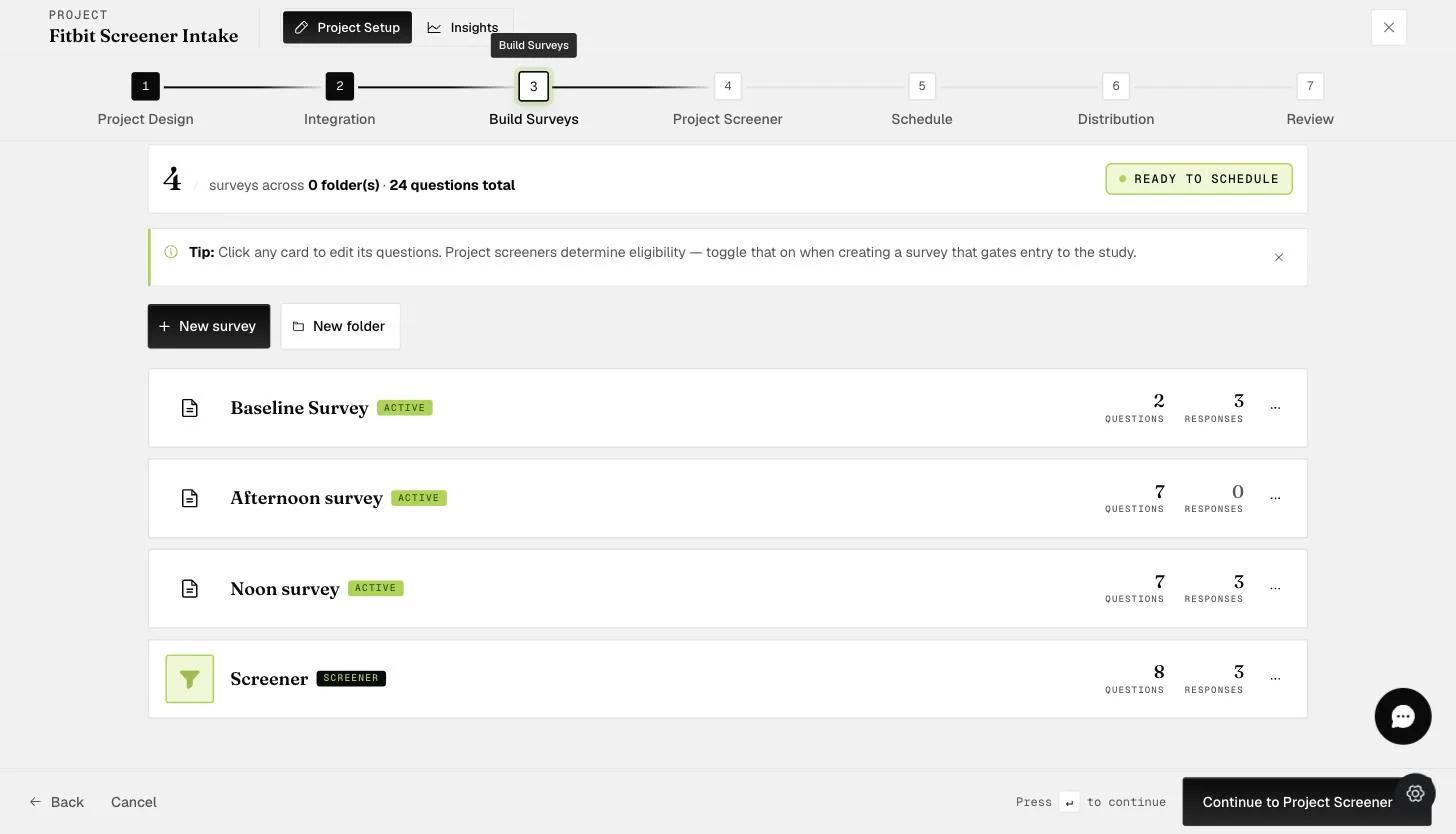
After creating the appropriate number of Screener Questions, you can go to "Options" to decide on the number of questions participants need to pass in order to continue the project.
As shown below, these are the areas you can change.
As mentioned earlier, the system will check for whether participants passed the screener questions only AFTER they submitted the survey. If they failed, they will immediately be notified that they cannot continue on. You will need to ensure that surveys with screener questions are scheduled in a manner that makes sense.
This walkthrough was recorded in the earlier ExpiWell interface — an updated video for the new dashboard is coming.