Manage your profile & language
Set up · Account Settings
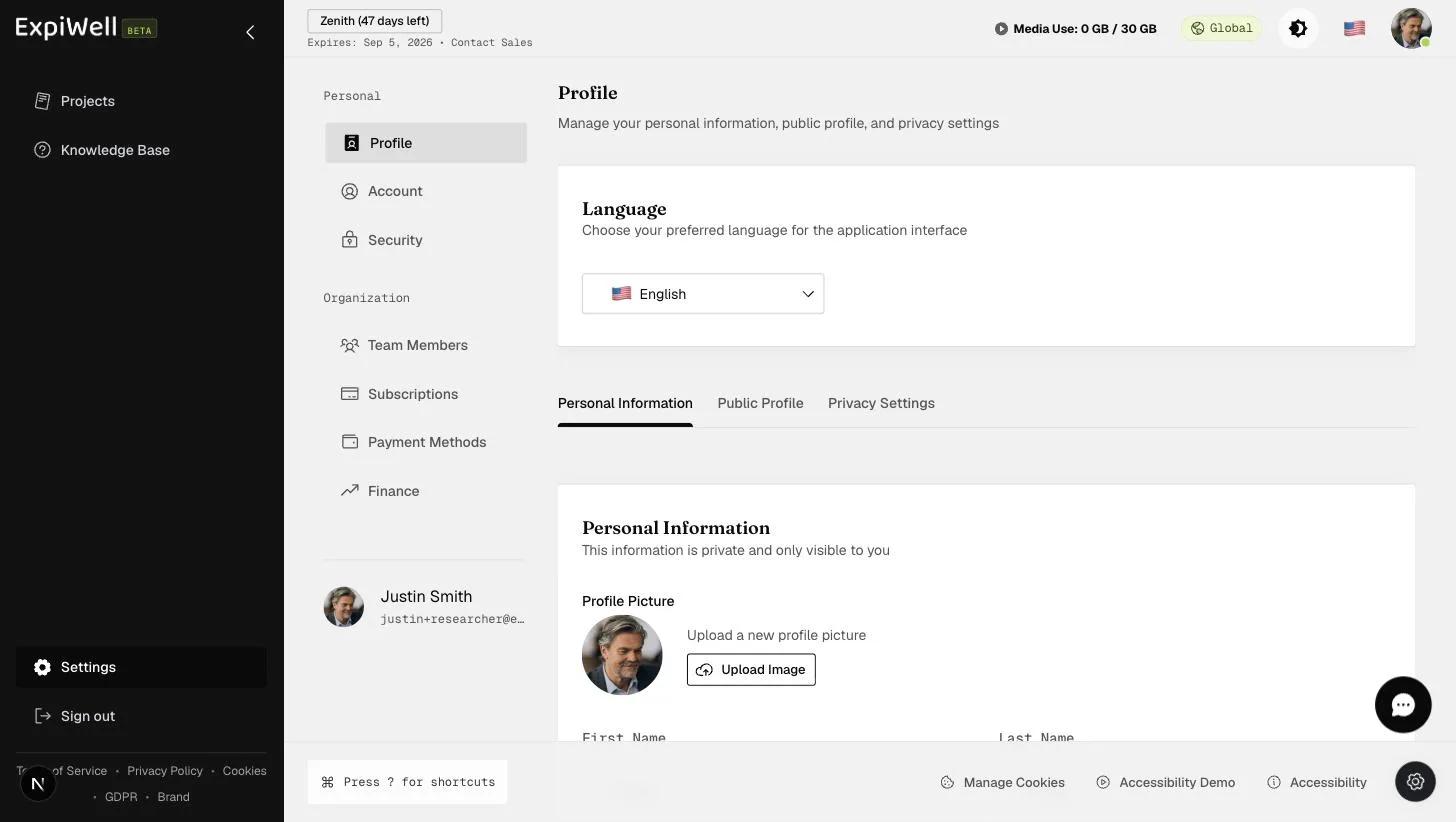
Updated July 20, 2026Your profile lives at Settings → Profile (under Personal). It controls the language the application interface uses and what information about you is visible.
What you can manage
- Language — choose your preferred language for the application interface.
- Personal Information — your private details, visible only to you, including your profile picture.
- Public Profile — what other users can see about you.
- Privacy Settings — control over your visibility.
Watch it in action
Video demo — Managing your profile (coming soon)
Related
Was this helpful?